How to update your billing information
To update your billing information or use a new or different credit card, follow the instructions below:
- Login to Flipwise
- Click the user profile image in the top right
- Click Your account
- Click Update payment method
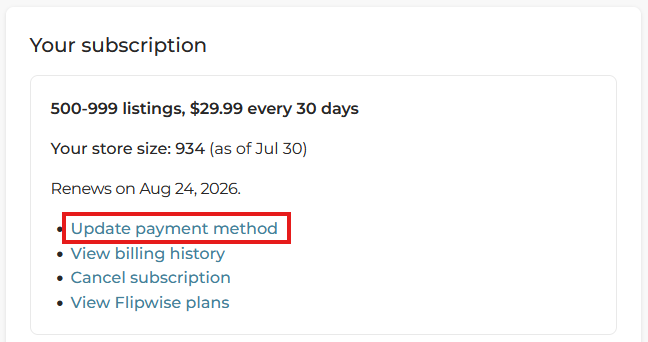
This option will take you to your billing details, which is powered by our partner payment processor, Stripe. We never store your billing data internally at Flipwise, and Stripe has a strong security framework, which you can read about here: https://docs.stripe.com/security